Elevator Service Manager

Every elevator, every visit, every fault — in one place.

A Django web app for an elevator maintenance company. Staff keep the client list, the elevator registry, service visits and the weekly shift roster. Clients get their own portal: see their equipment, follow the service history, report a fault with a photo, and pay for a service through Stripe Checkout.

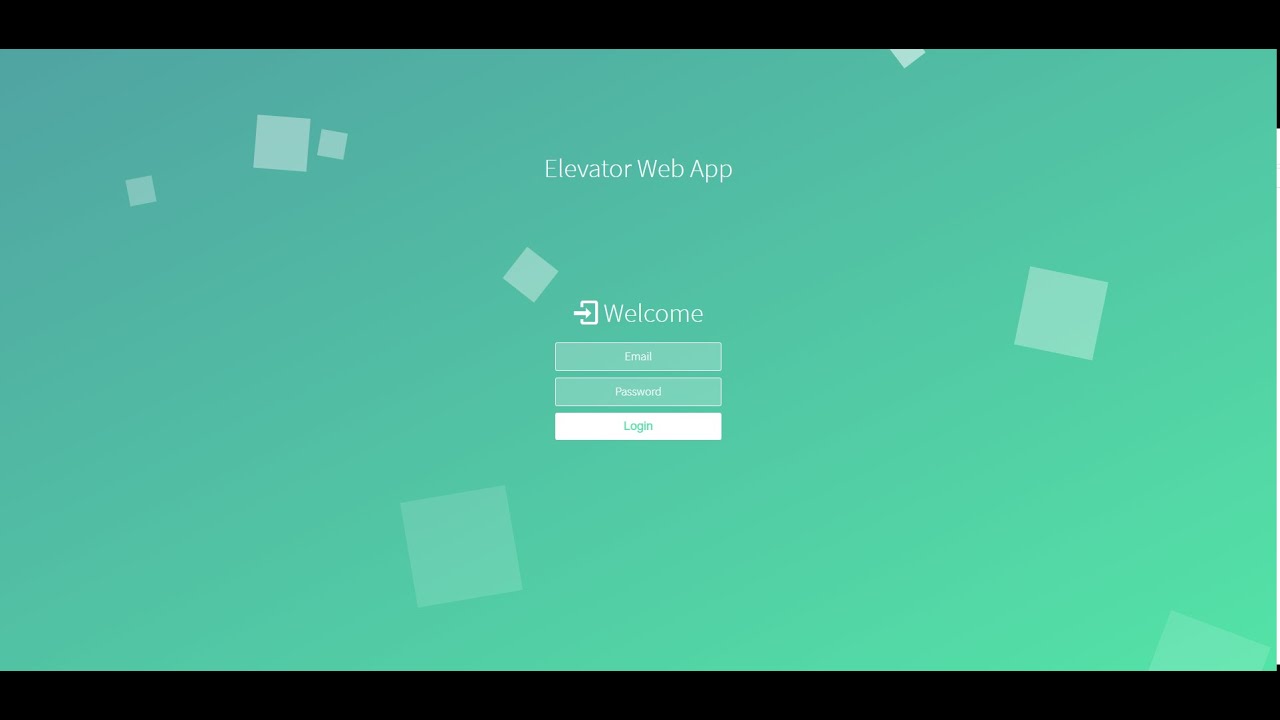
A short video walkthrough of the staff and client dashboards.

Start in four steps

Python 3.9 and pip. SQLite is the default database, so there is nothing else to install.

1 · Clone and install

Create a virtual environment, activate it, then pip install -r requirements.txt.

2 · Configure secrets

cp .env.example .env. Generate a fresh SECRET_KEY and add your Stripe test keys. Nothing secret lives in the repo.

3 · Create the schema and groups

python manage.py makemigrations core, migrate, createsuperuser. In the admin site add two Groups, Company and Client, and put your superuser in Company.

4 · Run

python manage.py runserver and open 127.0.0.1:8000. The login page is the site root; from the staff dashboard you add clients, staff and elevators.

How it works

Two kinds of users, two dashboards, one shared record of the equipment.

Role-based access

Two Django Groups, Company and Client, guarded by an allowed_users decorator. Each role sees its own dashboard and only the actions it is allowed to take.

Elevator registry

Each elevator, hydraulic or mechanical, is registered against a client with its technical details: motor cauldron, control panel, book code, wattage, stations, wire ropes and the last KTEO inspection date.

Service records

Staff log each visit per elevator with cost, technician, receipt code and dates. Clients can add a comment to a completed service.

Weekly shift schedule

A rolling weekly roster records which technician is on shift each day. Fault alerts are routed automatically to whoever is on shift today.

Internal messaging

Alert messages are categorised fault reports from a client, optionally with a photo. Simple messages are free text and can be broadcast to all clients or all staff. Replies and read-tracking included.

Online payments

A client pays for a service through Stripe Checkout. Service history and elevator search are powered by django-filter.

Design

One Django app, core, holds all the business logic. The docs folder documents it in full.

  1. System Design — architecture overview, request lifecycle, roles and permissions, the messaging and payment flows.
  2. API Documentation — every URL route, its method, parameters, required role and what it returns.
  3. Database Design — all models, fields, relationships and an entity-relationship overview.

Originally built in 2021 on Django 3.1 and re-published with full documentation and the hard-coded secrets moved into a .env file read by python-decouple. It is a learning and portfolio project: before a real deployment you would set DEBUG=False, configure hosts and static files, move off SQLite, and verify Stripe payments with a webhook rather than the success redirect.

core/
├── models.py      # User, week, elevators, service, Message
├── views.py       # function-based views for both roles
├── urls.py        # login, dashboards, add/update/delete, search, messages, Stripe checkout
├── forms.py       # ModelForms + custom user-creation form
├── filters.py     # django-filter FilterSets for the search pages
└── decorators.py  # allowed_users role guard